

Deskripsi
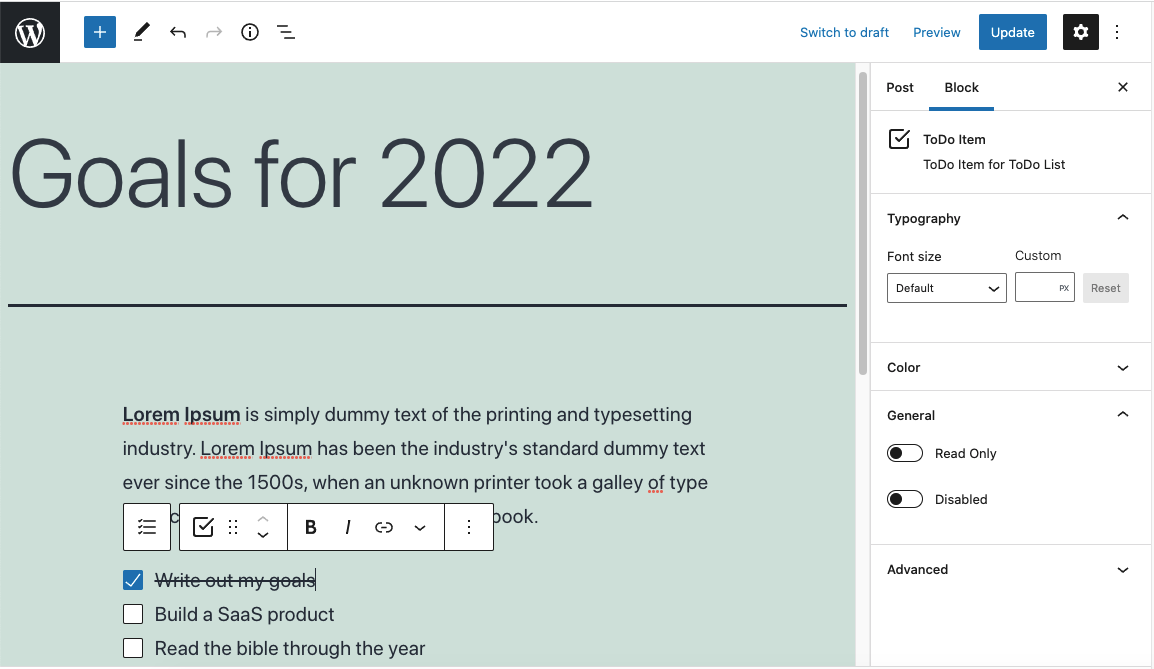
Gutenberg is a great block editor but it does not come with a todo block.
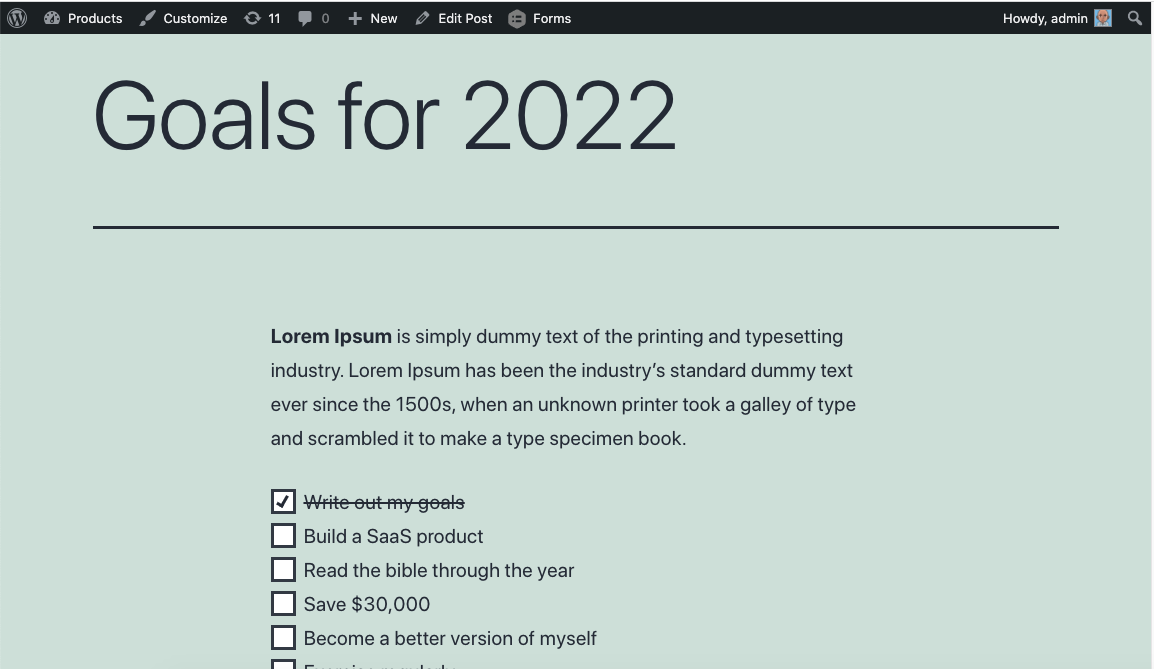
You can now create to-do lists in WordPress Gutenberg editor.
Your todo checkboxes will appear both on the frontend and backend. It will even keep the current state of the checkbox when shown on the frontend.
Logged-in users can save their checkbox selections (if enabled per checklist).
You can use this block to:
- Add tasks to your posts and pages
- Create a checklist of items
- Let logged-in users save their selections
- Set goals and track progress
Tangkapan Layar
Blok
Plugin ini menyediakan 2 blok.
- Checklist (Todo List) A group of checkboxes
- Checkbox (Todo Item) Checkbox for Todo List
Instalasi
- Upload the plugin files to the
/wp-content/plugins/todo-blockdirectory, or install the plugin through the WordPress plugins screen directly. - Activate the plugin through the ‘Plugins’ screen in WordPress.
Tanya Jawab
-
What is the minimum WordPress version?
-
6.3
-
Can users save their checkbox state?
-
Yes. Enable the “Enable Save” toggle in the Checklist block settings. Logged-in users will have their selections saved per user.
Ulasan


Kontributor & Pengembang
“Todo Block” adalah perangkat lunak open source. Berikut ini mereka yang sudah berkontribusi pada plugin ini.
Kontributor

Terjemahkan “Todo Block” dalam bahasa Anda.
Tertarik mengembangkan?
Lihat kode, periksa repositori SVN , atau mendaftar ke log pengembangan melalui RSS.
Log Perubahan
1.2.0
- Fix: Press Enter to create new checkbox items
- Fix: Support multiple todo lists on the same post/page
- Fix: Per-user save state now works correctly for all users
- Fix: Editor UX improvements (cursor, full-width text input)
- Fix: Internationalization loading
- Improvement: Use WordPress built-in block icons
- Improvement: Upgraded build tooling
1.1.1
- Added blueprints
1.1
- Change tested up to
1.0.6
- Remove console.log
- Add Youtube URL
1.0
- Release