
Deskripsi
A standard wordpress plugin that helps you add multiple widgets to navigation menu item.
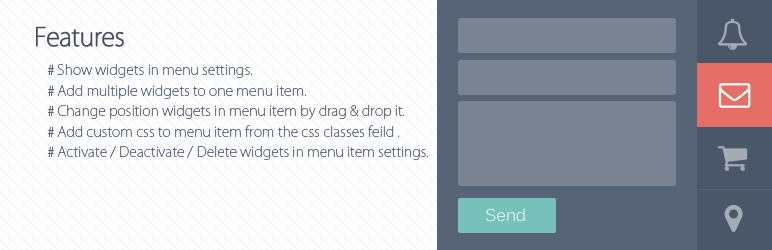
Features
- Show widgets in menu settings.
- Add multiple widgets to one menu item.
- Change position widgets in menu item by drag & drop it.
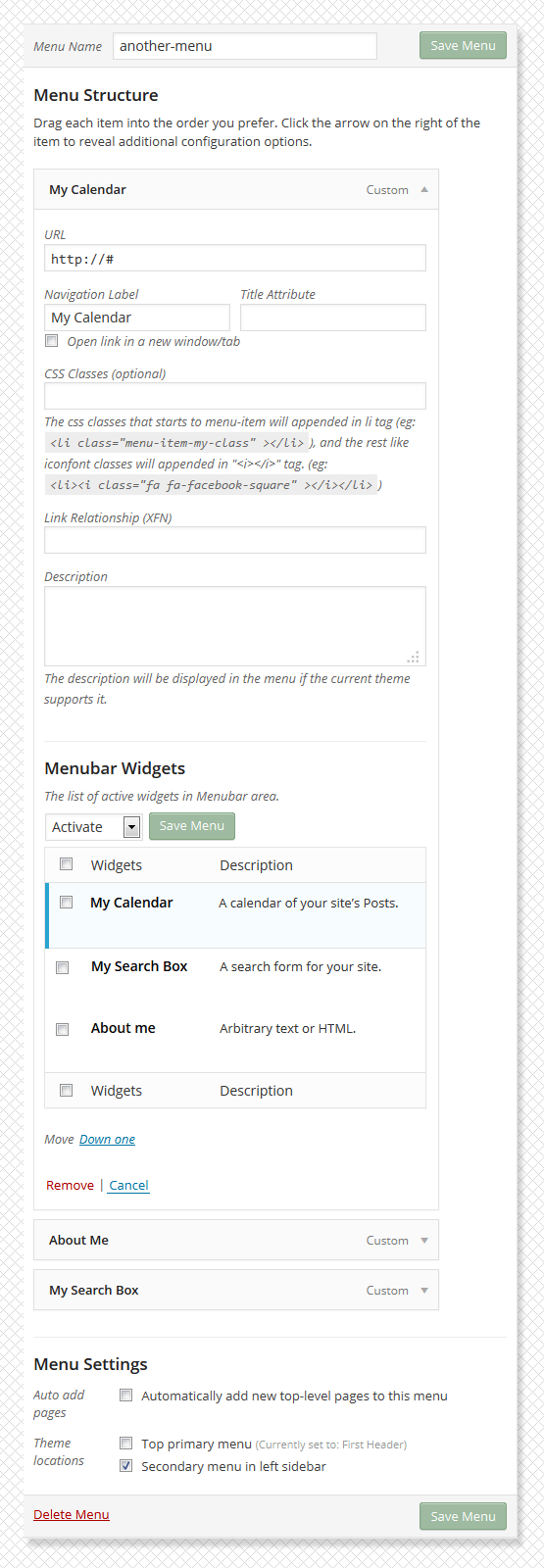
- Add custom css to menu item from the css classes feild in menu settings, the css classes starts to ‘menu-item will’ appends in “li” tag and the rest of appends to “i” tag.(eg: )
Activate / Deactivate / Delete widgets in menu item settings.
Tangkapan Layar



Instalasi
- Download the latest version Menubar Widgets, or copy it to local by
git clone https://bitbucket.org/khosroblog/menubar-widgets.git - Move the menubar-widgets folder in the
wp-content/pluginsdirectory. - Navigate to the Plugins dashboard page.
- Activate the plugin Menubar Widgets.
Tanya Jawab
You can to use this link for support and error reporting.
- https://bitbucket.org/khosroblog/menubar-widgets/issues/
Ulasan

3 September 2016
1 balasan
This is an amazing plug in – I can’t believe that it is free!! After a few teething problems, I got it to work. And replies to questions were very fast – great support. Thank you.
Kontributor & Pengembang
“Menubar Widgets” adalah perangkat lunak open source. Berikut ini mereka yang sudah berkontribusi pada plugin ini.
Kontributor
Terjemahkan “Menubar Widgets” dalam bahasa Anda.
Tertarik mengembangkan?
Lihat kode, periksa repositori SVN , atau mendaftar ke log pengembangan melalui RSS.
Log Perubahan
v0.1.0
- Initial release.