
Deskripsi
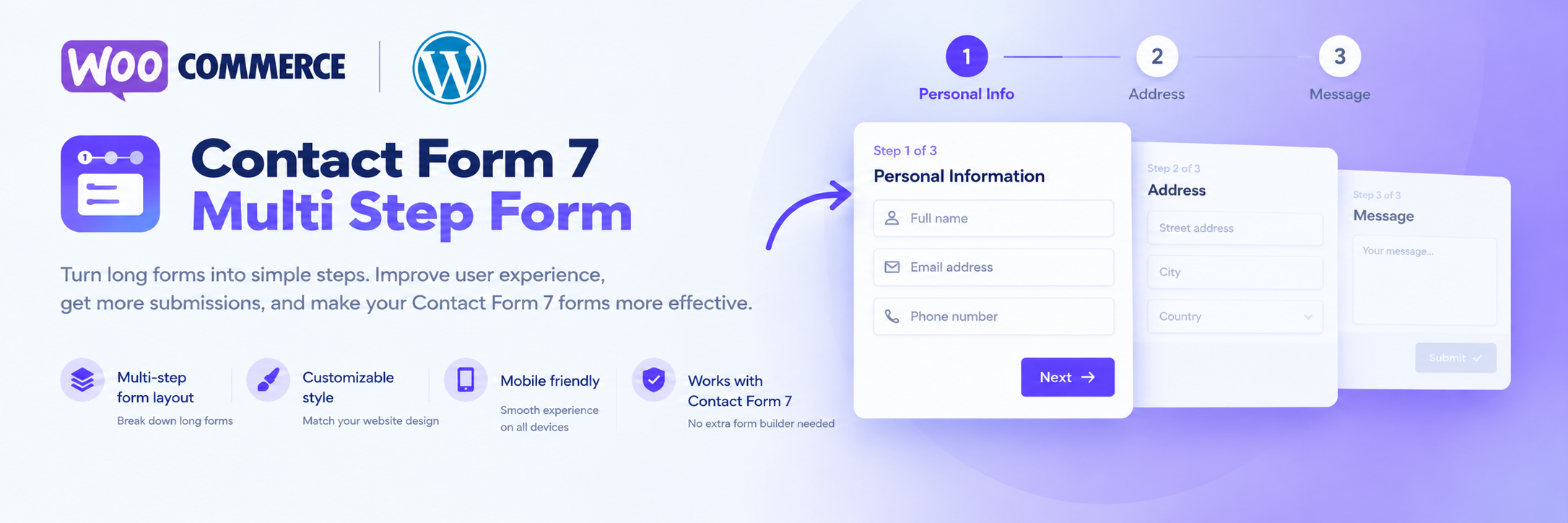
- Split any Contact Form 7 form into steps (tabs) — add, rename, reorder.
- Per-step validation: Next only moves on when the current step is valid; scrolls to and focuses the first error.
- Progress indicator: progress bar, numbered steps (1 2 3) or current step name.
- 4 style presets — Minimal, Modern, Corporate, Rounded — plus primary/button colors, spacing and border radius. No CSS needed.
- Mobile-first: scrolls to the top of the form on each step, keeps the Next button above the on-screen keyboard, supports the browser Back button, shows a loading state and prevents double submits.
Pro version adds an Arrow tabs indicator, transition effects between steps, custom step names, button icons and button hover colors.
Tangkapan Layar


Instalasi
- Install and activate Contact Form 7.
- Install and activate Multi-Step Forms for Contact Form 7.
- Edit a contact form, switch multi-step ON in the Form tab and split the fields into steps.
- Adjust the look and behavior in the Multi-step tab.
Ulasan
Belum ada ulasan untuk plugin ini.
Kontributor & Pengembang
“Multi-Step Forms for Contact Form 7” adalah perangkat lunak open source. Berikut ini mereka yang sudah berkontribusi pada plugin ini.
Kontributor
Terjemahkan “Multi-Step Forms for Contact Form 7” dalam bahasa Anda.
Tertarik mengembangkan?
Lihat kode, periksa repositori SVN , atau mendaftar ke log pengembangan melalui RSS.
Log Perubahan
1.2.0
- New: per-step Back / Next / Submit button labels.
- New: Auto scroll to top and Return to first step after submit options.
- New: always-visible remove (×) button on step tabs.
- New: plugin now declares Contact Form 7 as a required plugin.
- Improved: settings screen layout (button color groups, toggle switches).
- Fix: step tabs and step options no longer misalign with some admin themes.
- Changed: plugin renamed to “Multi-Step Forms for Contact Form 7” (WordPress.org trademark rules).
- Fix: Plugin Check issues (text domain, translator comments, prefixed variables and class names).
1.1.0
- New: per-step validation with scroll and focus to the first error.
- New: progress indicator styles (bar, numbered steps, step name).
- New: Minimal, Modern, Corporate and Rounded style presets with basic color, spacing and radius options.
- New: mobile improvements — keyboard-aware Next button, browser Back support, submit loading state, double-submit protection.
- Fix: plugin styles no longer affect other forms on the site.
- Fix: backslashes and the letters “rn” were removed from saved step content.
1.0.2
- UX/UI improvements and CSS fixes.