

Deskripsi
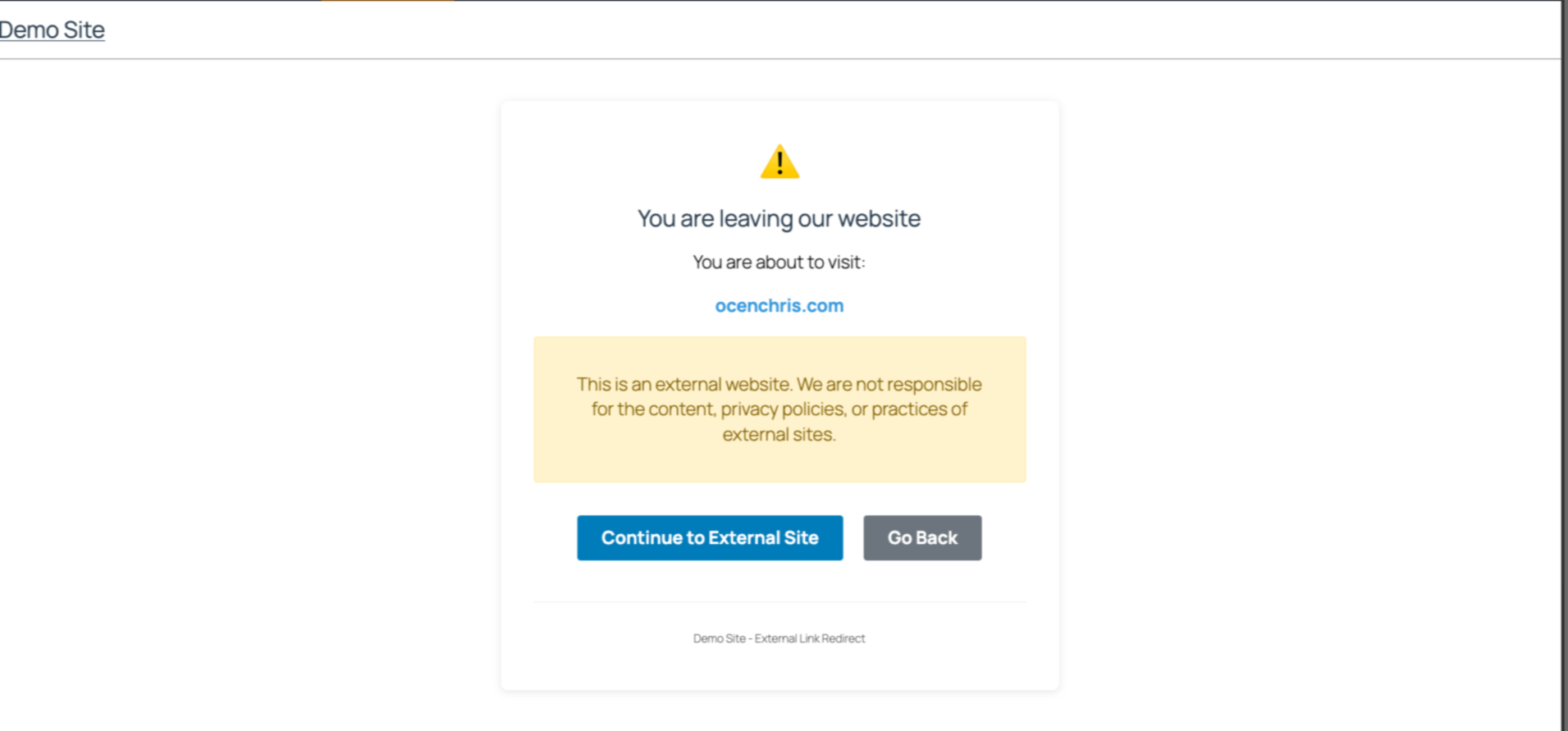
Easily manage links to external websites. This lightweight plugin create an intent page that notifies users when they try to visit a link to an external website. With a user-friendly interface, it is perfect for blogs, news sites etc that often reference other sources. Simple to set up and fully responsive, visitors have a choice to continue to the next page or stay on the same website.
Github Repo
[https://github.com/chrisjrocen/exit-links-manager]
Tangkapan Layar
Instalasi
- Upload the plugin files to the
/wp-content/plugins/exit-links-managerdirectory, or install the plugin through the WordPress plugins screen directly. - Activate the plugin through the ‘Plugins’ screen in WordPress
- Done. Now all external links redirect to a page slug, ‘leaving’.
Tanya Jawab
-
How do I enable Exit Links Manager?
-
The functionality is enabled as soon as you activate the plugin.
Ulasan
Belum ada ulasan untuk plugin ini.
Kontributor & Pengembang
“Exit Links Manager” adalah perangkat lunak open source. Berikut ini mereka yang sudah berkontribusi pada plugin ini.
Kontributor
Terjemahkan “Exit Links Manager” dalam bahasa Anda.
Tertarik mengembangkan?
Lihat kode, periksa repositori SVN , atau mendaftar ke log pengembangan melalui RSS.
Log Perubahan
1.0.0: Initial release