
Deskripsi
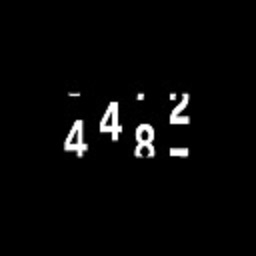
A plugin through which you can call a numeric section by short code and there is a settings page through which you can add the content of the section.
This plugin is used to invoke a number that is used in the content of the site.
In addition to a settings page through which you can add content and save in the database.
Features include:
* Displays the section in the place and page on which the short code is called .
* Help bloggers shorten the census in this section and summon it in a distinctive and tidy manner within the site.
* Formatting, changing the color and type of font, and modifying the style of the section can be done by modifying the page in WordPress or Elementor .
Installing manually:
- Unzip all files to the
wp-content/plugins/Counts Sectiondirectory - Log into WordPress admin and activate the ‘Counts Section’ plugin through the ‘Plugins’ menu
- Go to the pages and posts of the site and put the short code inside it and go to the settings page and add the content .
Tangkapan Layar


Ulasan
Belum ada ulasan untuk plugin ini.
Kontributor & Pengembang
“Counts Section” adalah perangkat lunak open source. Berikut ini mereka yang sudah berkontribusi pada plugin ini.
Kontributor
Terjemahkan “Counts Section” dalam bahasa Anda.
Tertarik mengembangkan?
Lihat kode, periksa repositori SVN , atau mendaftar ke log pengembangan melalui RSS.
Log Perubahan
- 1.0 *
- Avery basic version added for Counts Section system